
When you are an Entra ID admin of more than one tenant you can use the “Switch Directory” link under your profile picture.
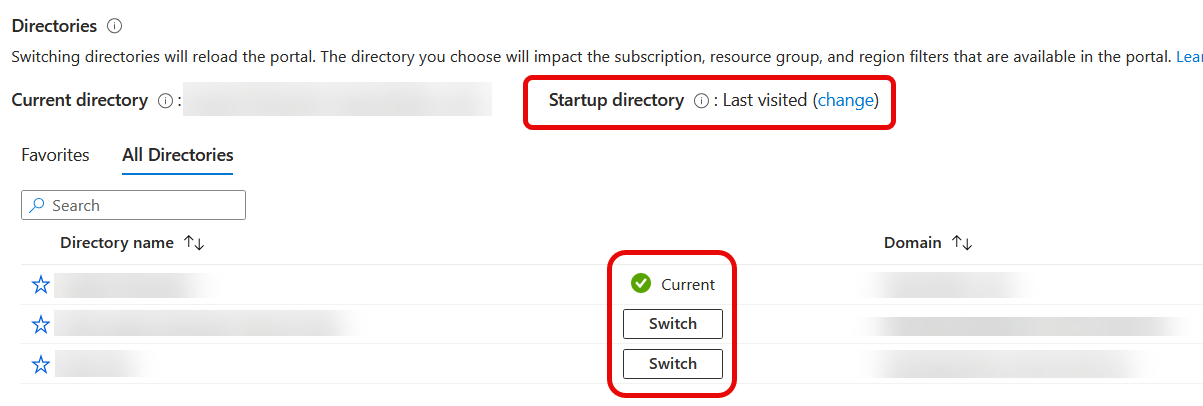
But if you are doing this often, you might find that an entry in your browser favourites (or bookmarks) is better.
To do this, craft a URL in the following format:
https://entra.microsoft.com/auth/login/@tenantdomain.onmicrosoft.com
This URL, having replaced the “tenantdomain” string with the actual domain name will open the selected tenant rather than the last used tenant (which is the default behaviour).
Any valid domain name in the tenant will work, so @domain.com instead of the initial tenant domain name will be successful. And you can always use the Tenant ID, @guid – but that is less readable in the bookmark!
Photo by Polina Tankilevitch: https://www.pexels.com/photo/person-holding-black-nintendo-switch-in-close-up-photography-4523010/


Leave a Reply